Smart Indexing
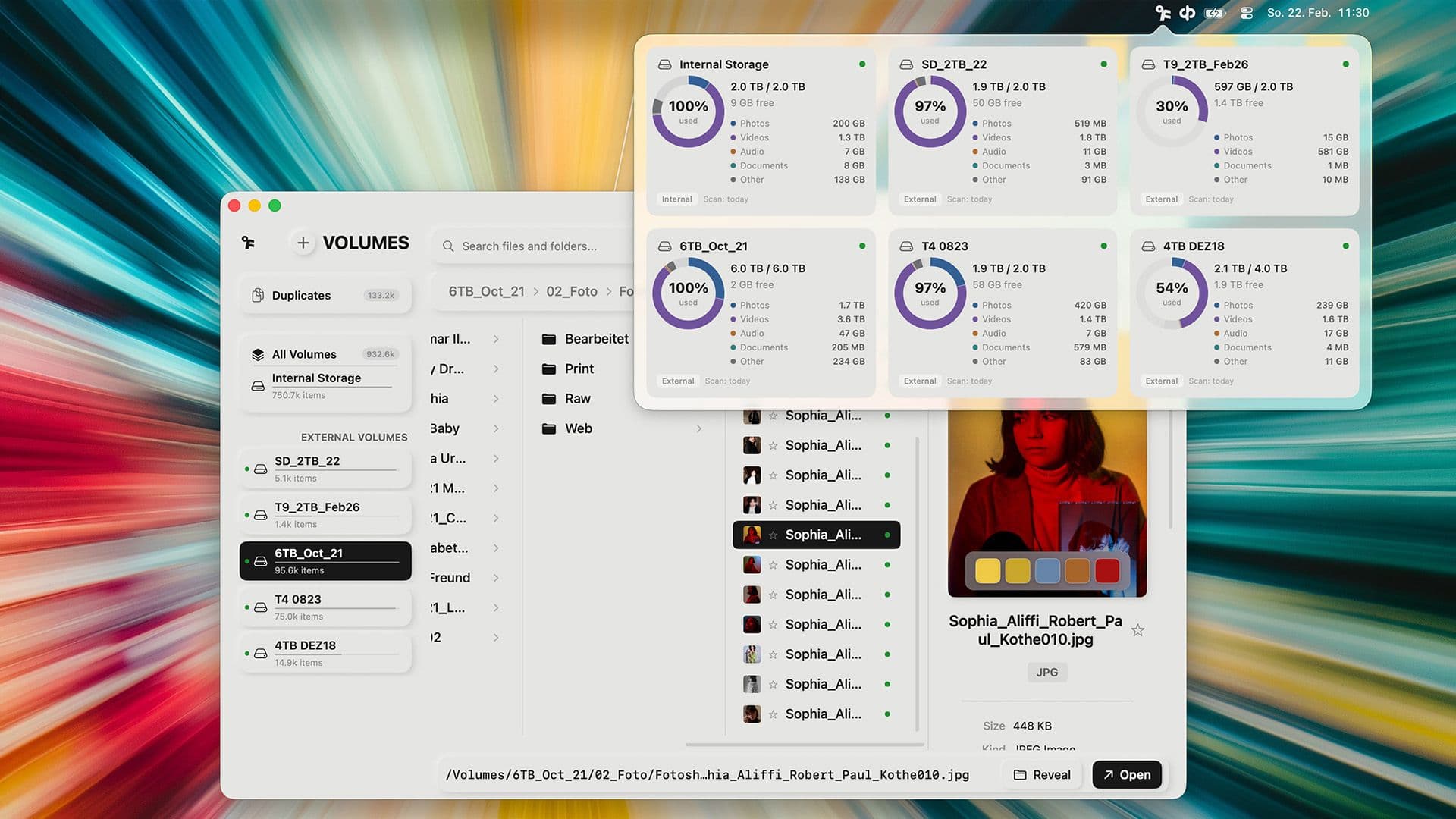
Automatically scans and indexes your drives, including external volumes.
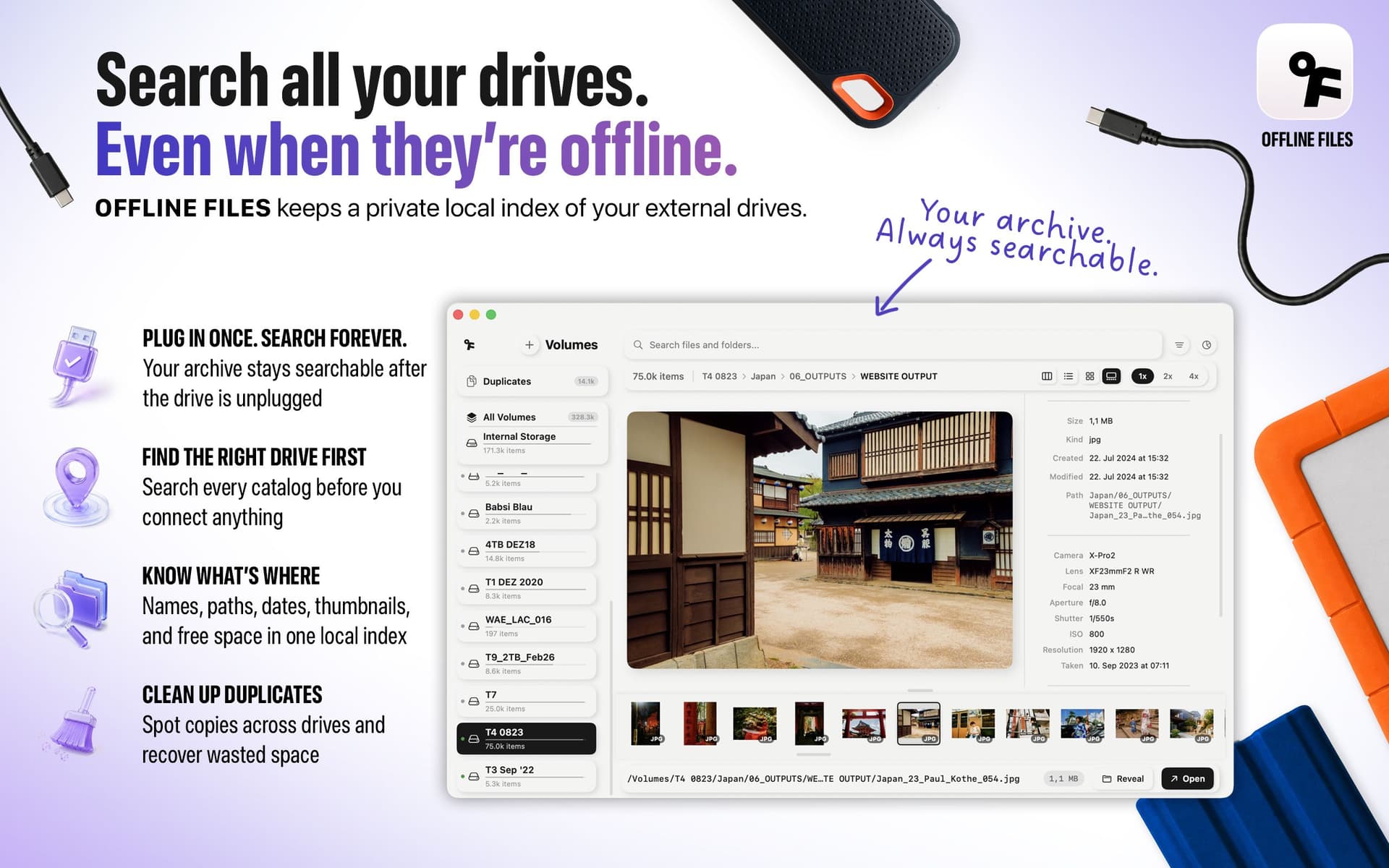
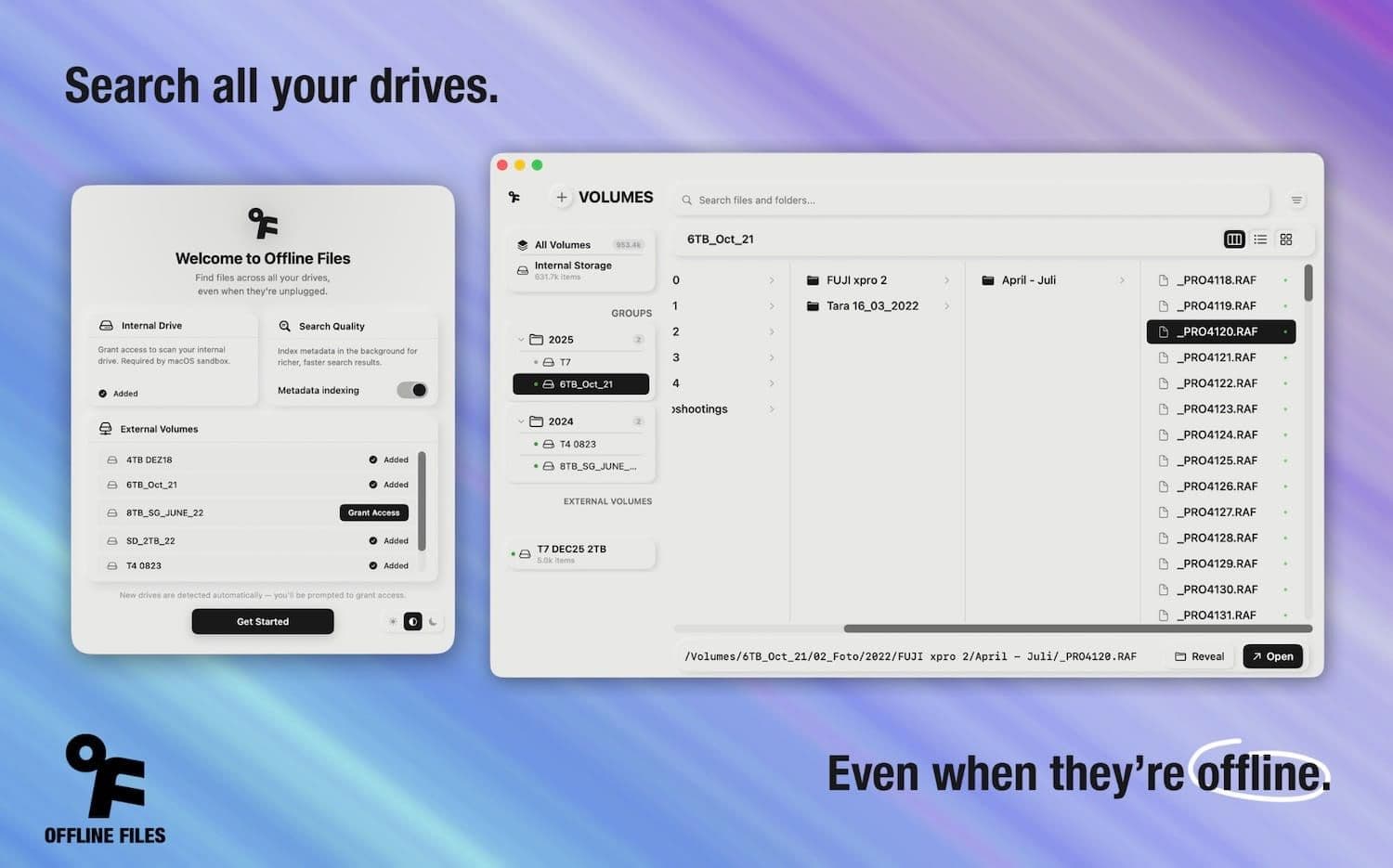
Offline Files is a macOS app for anyone who works with multiple external drives. It indexes your volumes locally and makes every file searchable, even when the drive is disconnected.
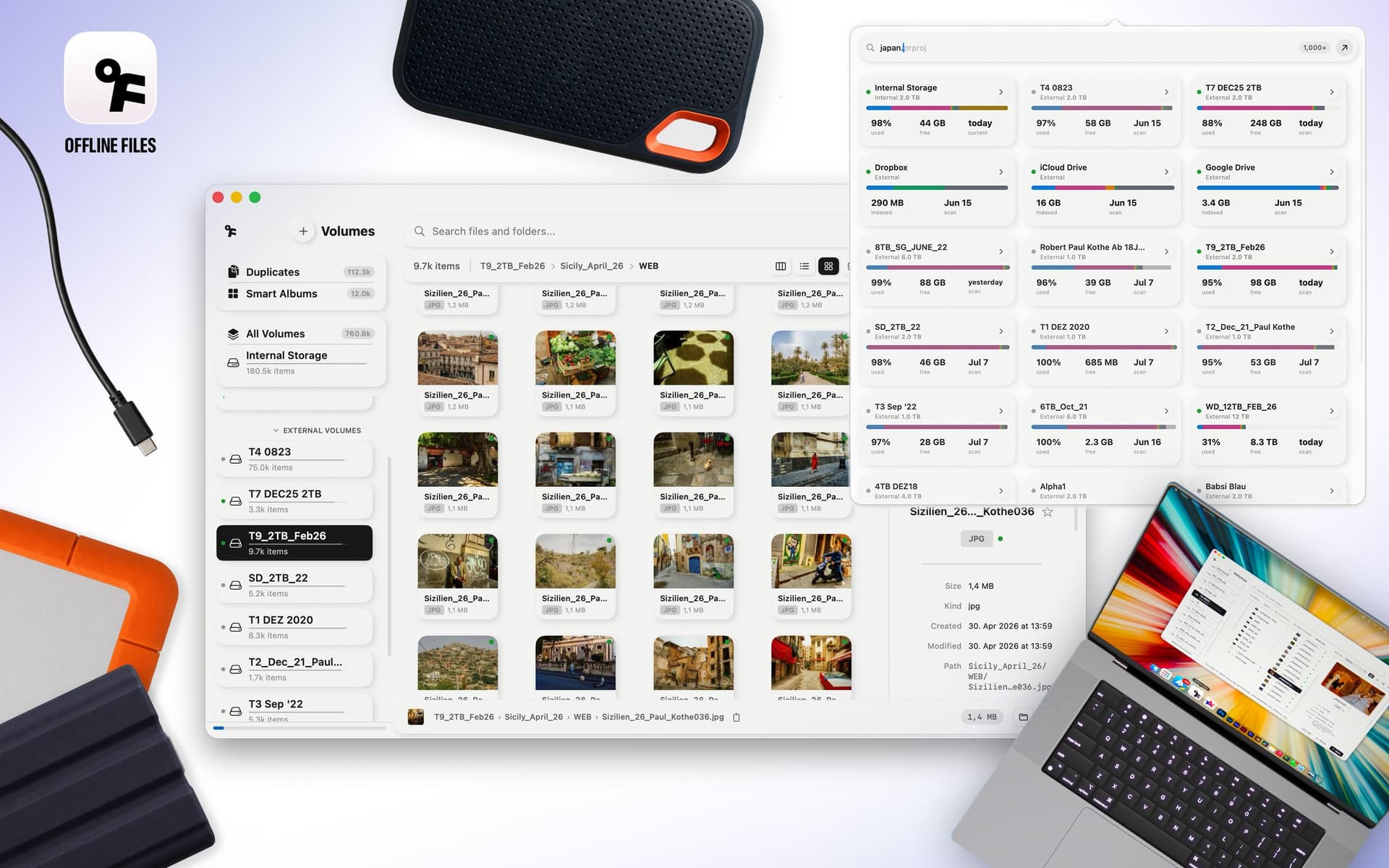
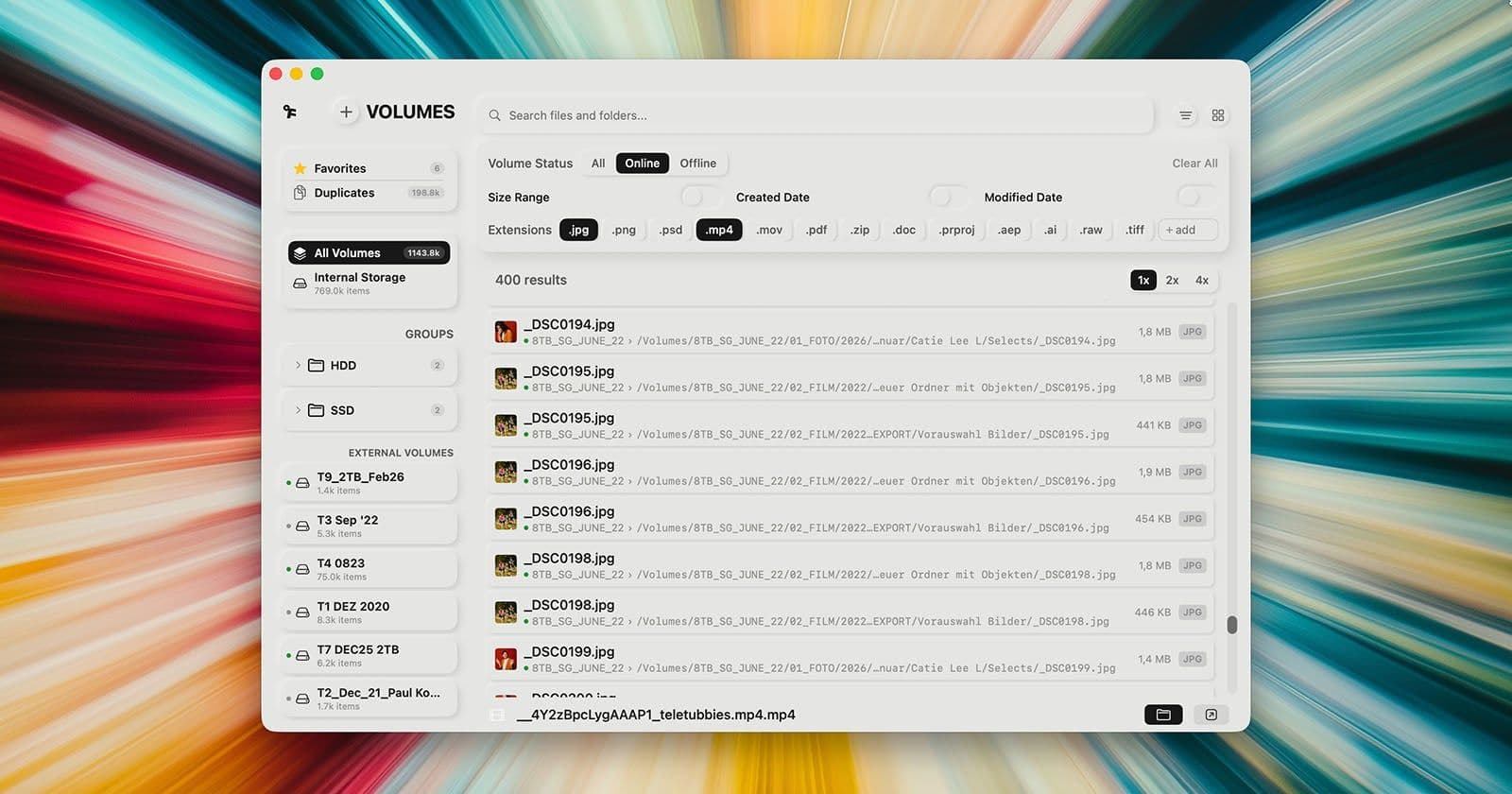
Plug in a drive once and Offline Files scans its entire contents. Filenames, paths, sizes, creation and modification dates are all stored on your Mac. From that point on, you can search and browse everything without reconnecting. The app also saves free space info from the last sync, so you always know which drive still has room.
Built for photographers, editors, filmmakers, and anyone else whose projects live across too many hard drives. No more guessing which drive has the file you need. Search first, plug in second.
Automatically scans and indexes your drives, including external volumes.
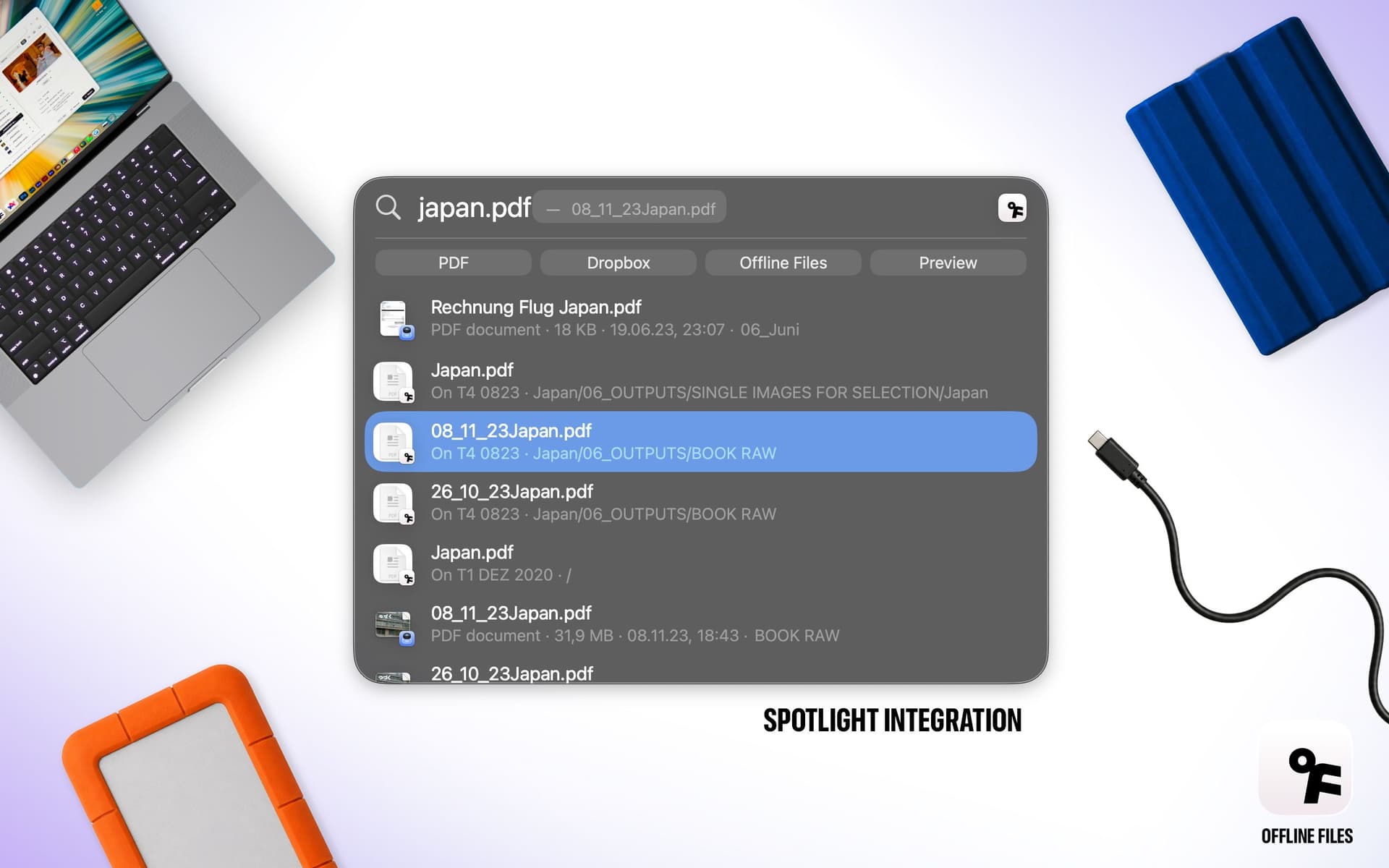
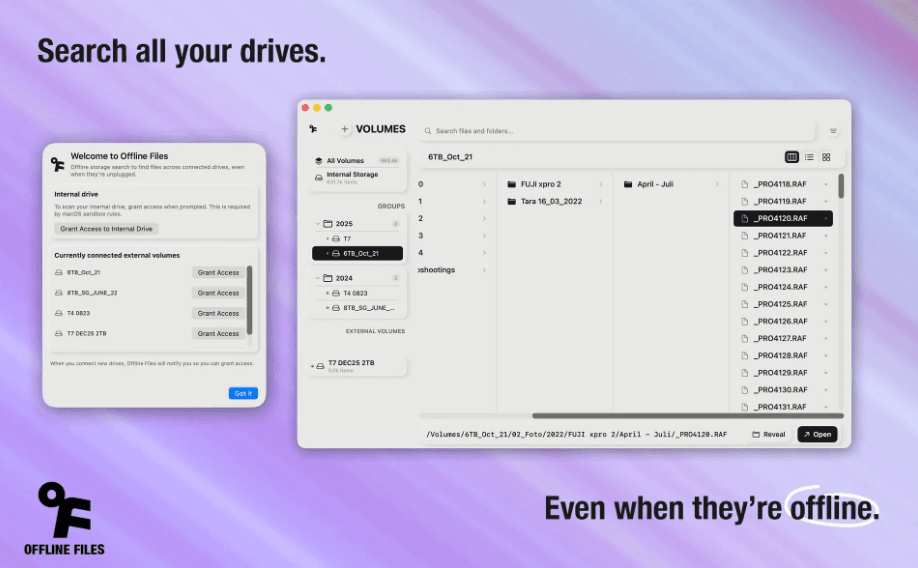
Find files on disconnected drives. No cable required.
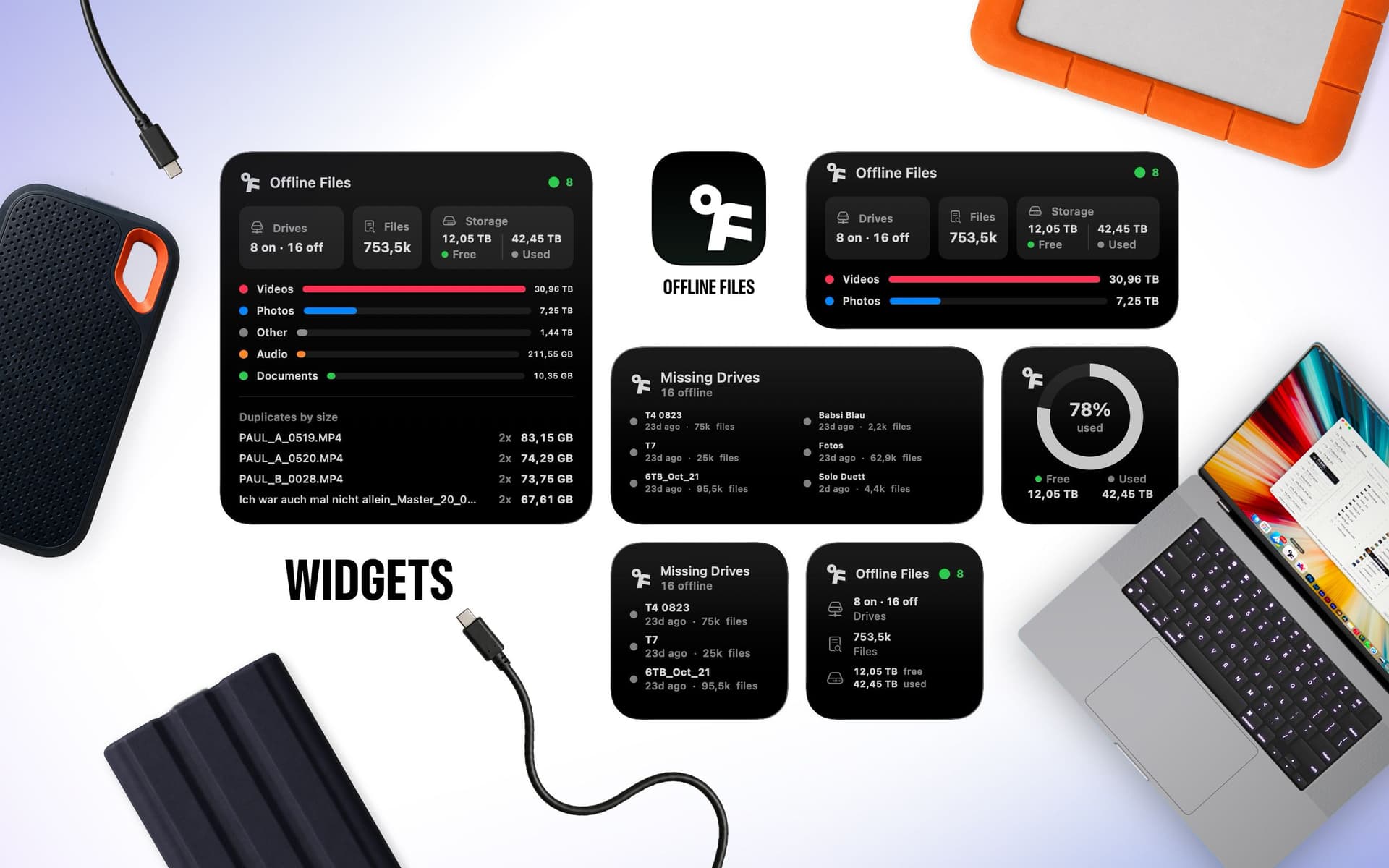
Spot duplicate files and clean up storage faster.
Organize drives into logical groups by project, client, or year.
See all indexed drives with status and last sync information.
Bookmark important files and add notes to any volume.
Coverage from photography, filmmaking, and Mac publications.
 CineD
Berlin-based editor and cinematographer Paul Kothe has released Offline Files, a macOS app that indexes external hard drives and makes their contents searchable even when the drives are disconnected.
 PetaPixel
As photographers know all too well, image libraries can be a lot to keep track of. Between internal storage and external drives, sometimes many of them, finding exactly the right photo or folder can be very frustrating. Photographer and cinematographer Paul Kothe agrees, so he built an app to solve the problem once and for all.
 Newsshooter
Offline Files is a small macOS app that indexes external drives once and keeps the metadata locally, so you can search across all your volumes even when the drives are unplugged. The concept is simple: search first, plug in second.
 iFun.de2026-02-19
iFun stellt Offline Files als lokale Metadatensuche vor, mit der auch nicht verbundene externe Laufwerke durchsuchbar bleiben.

 Apfelpatient2026-03-02
Apfelpatient zeigt, wie der lokale Index externe Laufwerke dauerhaft durchsuchbar macht und die Suche nach dem richtigen Datenträger verkürzt.
 appgefahren.de2026-03-03
appgefahren beschreibt Offline Files als praktische lokale Lösung, um Dateien auf nicht angeschlossenen Festplatten vorab zu finden.
Five-star reviews from the Mac App Store.
I just found out about this app via a news item, went to the App Store and purchased it. Within 15 minutes I scanned and logged the data on 15 full 5TB external drives. What blew my mind was the speed and the simple, elegant interface. The search functions are excellent. If you have a vast collection of hard drives, this is a no-brainer.
Auf ein Tool wie Offline Files habe ich Jahre gewartet. Endlich bekommt man die Unmengen von Files auf den vielen Platten in den Griff. Wo sind die Daten? Wo sind Files mehrfach abgelegt? Wie kann ich bestimmte Filetypes finden? Alles möglich mit dem Tool. Großartig!
Schnell und unauffällig verrichtet das Programm seinen segensreichen Dienst – endlich intelligente Ordnung in den Festplattenstapeln. Super schneller und persönlicher Support! Strong buy recommendation!
The one software I really needed in my workflow to organize my archiving drives.
Simple and great and useful app for all filmmakers and photographers! Great UI too.
This app really saves me time! No more plugging in the wrong drives when searching for specific projects, folders, etc. Also good for an overview of free disk space and management.
Paul Kothe is an editor, cameraman, and photographer based in Berlin. He works across multi media, music videos, brand films, and artist portraits. Offline Files is his first app, built out of a real problem in his own daily workflow: too many drives, no overview.

You connect a drive, Offline Files indexes it. From that point on, you can search all your files.
No. It only stores metadata: filenames, paths, sizes, and dates. Your files stay exactly where they are.
Never. Everything stays on your Mac. No servers, no accounts, no internet connection required.
It's an on-device AI feature that recognizes the content of your images. So you can search for things like "sunset" or "city" without having tagged anything manually.
Any volume macOS can mount. External SSDs, HDDs, SD cards, USB sticks, you name it.
Offline Files detects it automatically and updates the index in the background.
Offline Files is a one-time purchase for $/€8.99 with no subscription. You can check it out on the Mac App Store before buying.
Shoot an email to hello@paulkothe.de and I read everything.
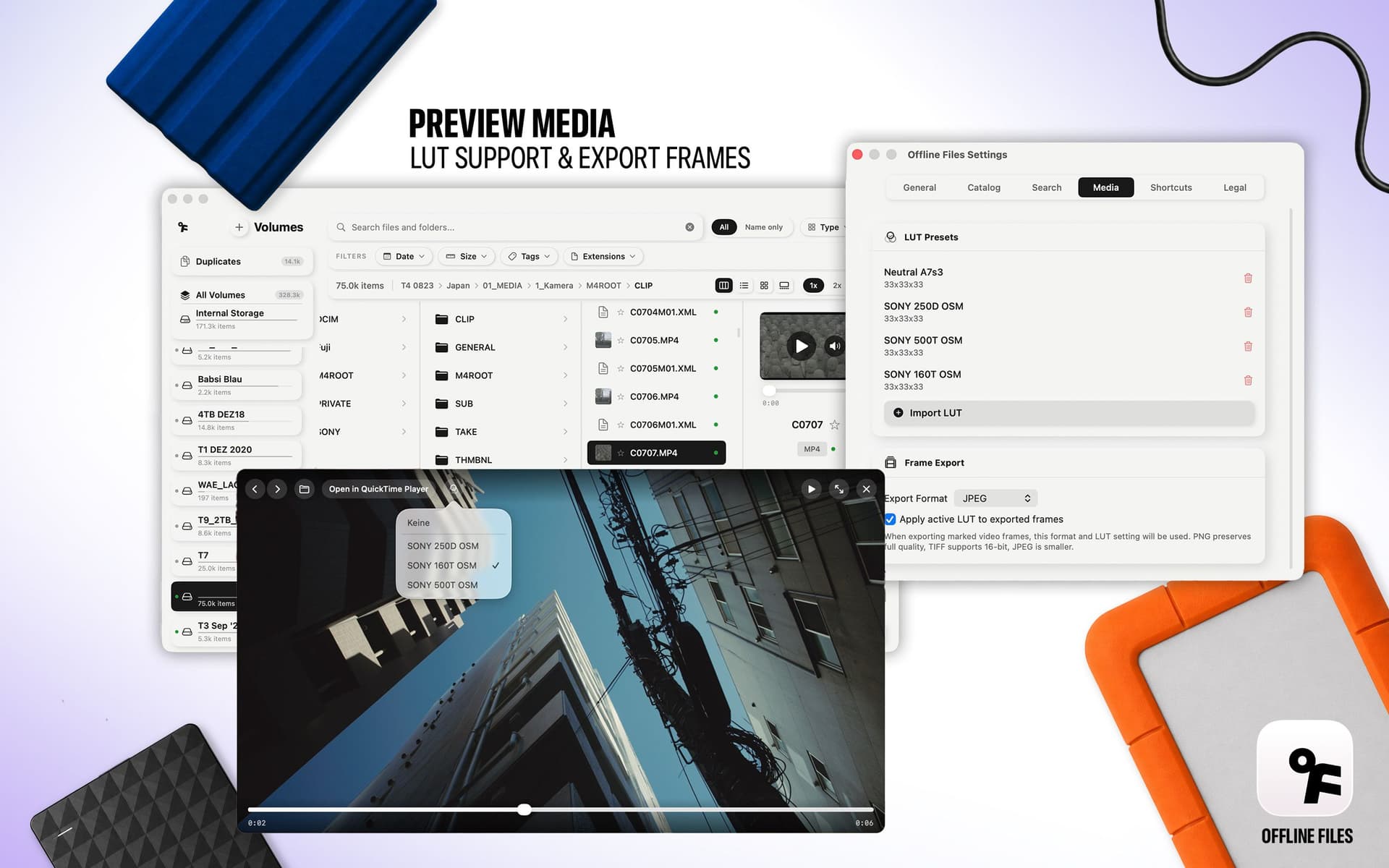
Basic metadata are always available. To open or fully preview a file, the drive needs to be connected.
For product details, images or interviews, write directly to Paul.